
Find out what shirt this is
Snap the front of a band shirt to find members who have the same one, and read the band, tour and year off the print.
What shirt is this? looks at one photo of a shirt's front. It shows designs on MerchVice whose photos look like yours, and reads what the print says. It's free, and you don't need an account.
How to do it
- Tap All tools at the foot of any page, then What shirt is this?
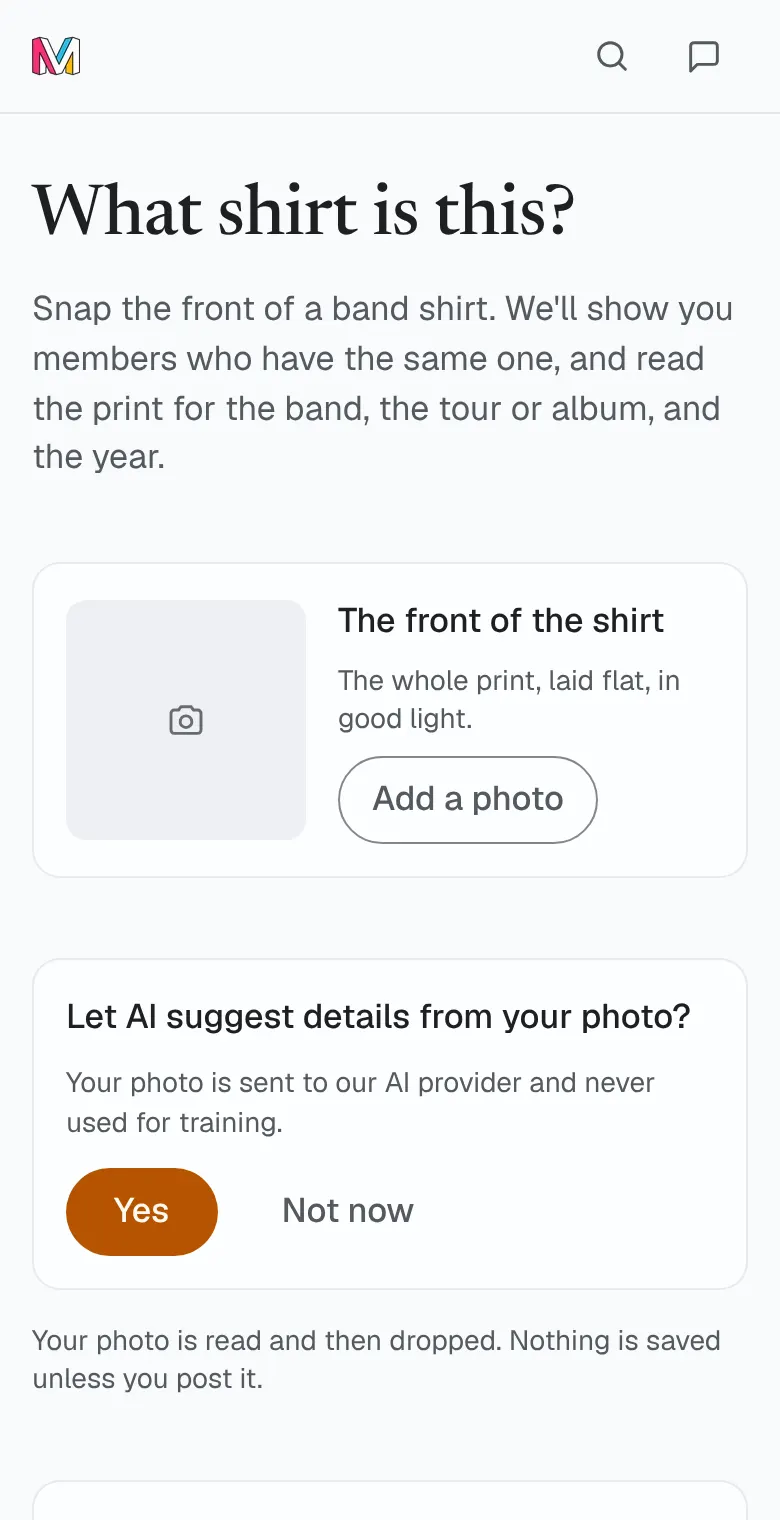
- Add a photo of the front of the shirt: the whole print, laid flat, in good light.
- Not signed in? Check Let AI read this photo. It is not kept. Then tap Find this shirt.
- Under On MerchVice, look through the designs picked by picture, each with how many members have it. Check the details before you call it a match.
- Under What the print says, read the band, the tour or album and the year printed, each marked From the print.
- Signed in, tap Post it. Your photo and what the print says come with you, so check each one before you post.
 Open What shirt is this?
Good to know
- What the print says is a guide, not a guarantee, and the tool never says what a shirt is worth.
- Your photo is read and then dropped. Nothing is saved unless you post it.
- Each person can look up 10 shirts a day. On a busy day the tool can rest for everyone until tomorrow. Until then, date its tag by hand or look the band up on Explore.
- Want to know roughly when it was made? Tap Date the tag too.
- Signed in with AI reading off for your account, the page asks you to turn it on first.
Was this helpful?
We count the answer for this article and keep nothing about you.
Still stuck?
Write to us and a real person reads it.